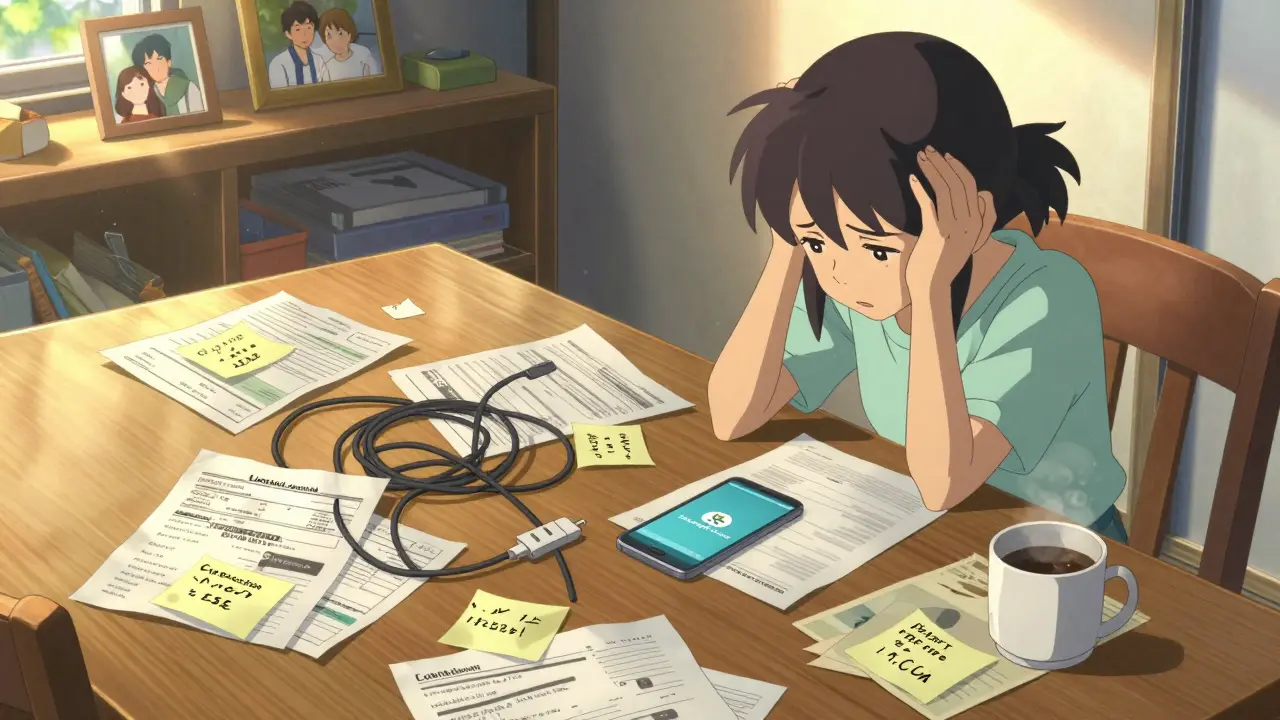
Think about the last time you needed a specific document or login while someone in your household was away. Maybe it was a utility bill that needed immediate payment, a medical record required for an appointment, or simply the Wi-Fi password because the router reset itself. In those moments, the chaos of scattered information hits hard. You might be digging through old emails, asking around for a code, or just hoping the person who knows where everything is can answer their phone.
This friction is more than just annoying; it creates real stress. Families often rely on a single person-the "keeper"-to hold all the keys to the kingdom. When that person is busy, traveling, or offline, the rest of the family is left guessing. Traditional solutions like shared spreadsheets or cloud folders often fall short because they lack privacy controls, easy access management, and long-term reliability. There has to be a better way to organize this critical data without creating a security risk or a dependency on one person's memory.
The Problem with Scattered Information
Most households manage their essential data in a patchwork of places. Insurance policies live in PDF attachments in email inboxes. Passwords are written on sticky notes or saved in browser profiles that sync unpredictably. Important contacts and instructions are buried in text message threads. This fragmentation makes it nearly impossible to find what you need when you need it.
The core issue isn't just organization; it's trust and accessibility. If you share a folder via a standard cloud service, you're giving everyone full access to everything in that folder. You can't easily say, "Mom can see the medical records, but Dad gets the financial logs." Plus, if the service provider changes its terms, goes offline, or suffers a breach, your data is vulnerable. You need a system that puts you in control of who sees what, and ensures that data remains accessible regardless of external factors.
What Is a Digital Vault?
A digital vault is a secure, centralized repository designed to store sensitive personal and family documents, passwords, and notes with granular access controls. Unlike a standard file cabinet or a basic cloud drive, a digital vault focuses on encryption and permission management. It treats your data as private property that should only be opened by authorized individuals under specific conditions.
In the context of family preparedness, a digital vault acts as a single source of truth. It holds the things you don't want to lose but also don't want to leave lying around. This includes subscription logins, emergency contact lists, home maintenance manuals, and important legal documents. The goal is to reduce cognitive load. Instead of remembering where you saved something, you know exactly where to look. And more importantly, you know exactly who else can look.
Why Decentralized Storage Matters for Families
When choosing a solution for sensitive family data, the underlying technology matters. Most online services store your files on their own corporate servers. This creates a single point of failure. If the company shuts down, gets hacked, or decides to restrict access, your data could be at risk. This is why many modern security-conscious users are turning toward decentralized storage is a method of storing data across a network of computers rather than a single server, enhancing durability and resistance to censorship or failure.
blockchain storage is the use of distributed ledger technology to anchor metadata and ensure the integrity and permanence of stored files. By combining permanent storage protocols like Arweave with peer-to-peer distribution like IPFS and on-chain anchoring via Polygon, your files are not dependent on one entity. This means your family's information remains accessible even if the service provider changes hands or discontinues operations. For something as vital as family documentation, this level of durability provides peace of mind that traditional cloud drives simply cannot match.

Vaulternal: A Solution Built for Household Needs
This is where Vaulternal's family vault stands out. It addresses the specific pain points of managing shared household information by combining high-end security with user-friendly sharing features. Vaulternal uses client-side AES-256 encryption, meaning your files are encrypted on your device before they ever leave your hands. The company cannot read your files, nor can they recover them without your keys. This zero-knowledge architecture ensures that your privacy is absolute.
But security is only half the battle. The other half is usability. Vaulternal allows you to set up multi-recipient sharing with per-recipient encrypted access keys. You can grant your spouse access to financial documents while giving your teenager access only to the Wi-Fi password and streaming service logins. Recipients don't need technical expertise to receive these files; the process is streamlined so that anyone in the family can access what they've been given without hassle.
Setting Up Conditional Access Continuity
One of the most powerful features for families is the ability to define when others can access your files. This is known as conditional access continuity. Instead of handing over all your passwords permanently, you can set triggers that release specific information based on events you define. This is incredibly useful for scenarios where you might be temporarily unreachable.
- Time-based triggers: Schedule a file to unlock on a specific date. This is perfect for sending a letter to your future self, revealing a surprise party plan, or providing access to a project handover document after a vacation.
- Inactivity-based triggers: If you haven't logged in for a set period, designated contacts can access certain files. This is ideal for extended trips, remote work retreats, or sabbaticals where you might be offline for weeks.
- Trusted-contact triggers: Require confirmation from a specific person before a file is released. This adds an extra layer of verification for highly sensitive documents.
- Manual triggers: Release access instantly when you choose to. This is useful for planned handovers, such as transitioning a role at work or offboarding a contractor.
These triggers ensure that help is available when you need it, without compromising your security during normal daily life. It’s a balance between autonomy and support.
Practical Steps to Organize Your Family Vault
Getting started doesn't have to be overwhelming. Here is a practical approach to populating your new system:
- Start with Critical Logins: Use the password storage is the secure practice of saving usernames and passwords in an encrypted format to protect against unauthorized access. feature to save accounts for utilities, banking, and insurance. Share these with a trusted partner so bills never go unpaid.
- Gather Essential Documents: Scan or upload copies of IDs, passports, vehicle registrations, and home warranties. Store them in clearly labeled folders.
- Create Emergency Instructions: Write brief notes on how to handle common household issues. Where is the main water shut-off? Who is the HVAC technician? Save these as simple text files.
- Set Up Sharing Rules: Decide who needs access to what. Grant your spouse broad access, but limit children's access to age-appropriate information.
- Test the Triggers: Set up a dummy file with a time-based trigger to see how the notification works. This builds confidence in the system before relying on it for critical data.

Comparison: Traditional Methods vs. A Secure Vault
| Feature | Shared Cloud Folder | Physical Binder | Vaulternal Family Vault |
|---|---|---|---|
| Access Control | All-or-nothing sharing | Physical possession required | Granular, per-file permissions |
| Encryption | Server-side (provider can access) | N/A | Client-side AES-256 (zero-knowledge) |
| Durability | Dependent on provider status | Risk of loss/damage | Distributed across Arweave/IPFS/Polygon |
| Conditional Access | No | No | Yes (time, inactivity, manual) |
| Ease of Use | High | Medium | High (no tech skills needed for recipients) |
Cost and Plans
Vaulternal offers a flexible pricing structure that fits different family sizes and needs. The Free plan provides 2 GB of storage at no cost, which is enough for many families to start organizing key documents and passwords without any financial commitment. No credit card is required to begin.
For families with larger archives or those who want unlimited space, the Starter plan costs $8.33 per month when billed annually. The Pro plan, at $15 per month billed annually, also offers unlimited storage along with additional advanced features. These prices reflect the value of having a secure, decentralized, and reliable system for your most important information.
Maintaining Your Vault Over Time
Setting up the vault is just the first step. Keeping it current is crucial. Make it a habit to update your vault every time you change a password, renew a policy, or add a new family member. Consider scheduling a quarterly review to check that links still work and that access permissions are still appropriate. As your family grows and changes, your vault should evolve with it.
By taking control of your family's digital footprint, you reduce stress and increase resilience. Whether you're planning a trip, managing a household, or simply wanting to feel more organized, a dedicated digital vault provides the clarity and security you deserve. With tools like Vaulternal, you can ensure that the right people have the right information at the right time, without compromise.
Is Vaulternal safe for storing passwords?
Yes, Vaulternal uses client-side AES-256 encryption, meaning your passwords are encrypted on your device before being uploaded. The company cannot read your data due to its zero-knowledge architecture.
What happens if I forget my master password?
Because Vaulternal uses zero-knowledge encryption, there is no backdoor for recovery. It is critical to keep your master password safe. You may consider writing it down securely or using a trusted contact trigger for access continuity if you become unavailable.
Can I share specific files with different family members?
Yes, Vaulternal supports multi-recipient sharing with per-recipient encrypted access keys. You can grant different levels of access to different people, ensuring they only see what you intend for them to see.
How does the conditional access trigger work?
You can set triggers based on time, inactivity, trusted contacts, or manual action. For example, you can schedule a file to unlock after 30 days of inactivity, ensuring a trusted person can access it if you are temporarily unreachable.
Is there a free plan available?
Yes, Vaulternal offers a Free plan with 2 GB of storage. No credit card is required to sign up, making it easy to start organizing your family's essential documents immediately.